The Role of GitHub Repo Scanning in Secure Dev

GitHub repository scanning is defined as the automated process of detecting security vulnerabilities, exposed secrets, and unsafe dependencies directly within developer workflows before code merges into production. The role of GitHub repo scanning has shifted from a nice-to-have audit step to a core enforcement mechanism in modern CI/CD pipelines. Tools like GitHub CodeQL and AI-powered security detections now surface risks inside pull requests, giving your team a chance to fix issues before they reach users. For developers shipping fast with AI coding assistants, this layer of automated analysis is the difference between a prototype and a production-ready product.
How does GitHub repo scanning integrate into developer workflows?
The pull request is the most effective place for security enforcement. GitHub security engineering recommends enforcing security standards at the PR merge point, where developers are already reviewing code and context is fresh. Catching a vulnerability at this stage costs far less time than finding it post-deployment.
Two core technologies power this integration. CodeQL and AI-powered detections work together inside PRs, with CodeQL running static analysis across your codebase and AI models surfacing contextual risks that traditional pattern matching misses. That combination means you get both depth and breadth without running separate tools.

Secret scanning adds another layer. Secret scanning inspects the entire Git history across all branches, not just the latest commit. That matters because credentials accidentally committed six months ago are still live threats if they were never rotated.
The practical benefits of this integration include:
- Early detection in PRs: Vulnerabilities surface before merge, not after deployment.
- Reduced friction: Developers see alerts in the same interface they use for code review.
- Continuous verification: Every commit triggers a scan, so no code slips through between periodic audits.
- Automated fix suggestions: GitHub Copilot Autofix proposes code changes alongside alerts, cutting remediation time.
Pro Tip: Enable required status checks in your branch protection rules so that code scanning must pass before any PR can merge. This turns scanning from advisory into enforcement.
What types of security risks does GitHub repo scanning detect?
GitHub repository security scanning covers three major risk categories. Each one represents a distinct attack surface, and missing any of them leaves your application exposed.
1. Code vulnerabilities Static analysis through CodeQL catches issues like unsafe SQL query construction, insecure cryptographic functions, and authentication bypasses. These are logic-level flaws baked into the code itself, often introduced unintentionally when moving fast.
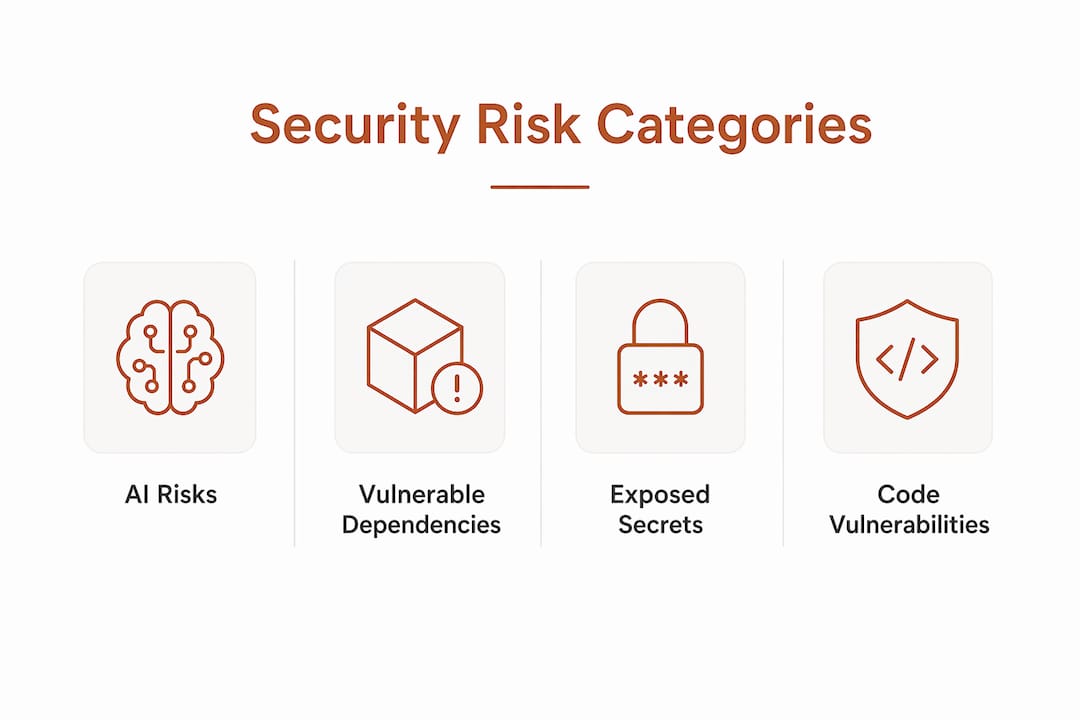
2. Exposed secrets and credentials Hardcoded API keys, database passwords, and OAuth tokens are the most common cause of cloud breaches. Secret scanning is free for public repositories and catches these before they become public liabilities. Private repo scanning is available through GitHub Advanced Security.
3. Vulnerable dependencies Your application is only as secure as its weakest package. Dependency scanning maps every library your code pulls in against known CVE databases. An outdated package with a known exploit is a breach waiting to happen.
AI-generated code adds a fourth, newer risk category. AI coding assistants write syntactically correct code that compiles and runs, but they do not always follow secure coding practices. They can introduce insecure defaults, skip input validation, or generate middleware that exposes internal state. AI coding agents generate code and configs that can expose secrets, making scanning at multiple lifecycle points essential rather than optional.
The same risk applies to MCP server environments, where AI agents interact with external tools and services. Code generated in these contexts can carry misconfigured permissions or hardcoded credentials that a human reviewer would never write deliberately.
Treating GitHub code analysis as a final gate before launch is the wrong mental model. Scanning works best when it runs continuously, catching issues as they are introduced rather than accumulating them into a pre-release backlog.
What best practices make GitHub repo scanning most effective?
Getting value from automated repo vulnerability scanning requires more than turning it on. The alerts are only useful if your team acts on them.
Active triage is non-negotiable. Repository scanning requires active triage within pull request workflows, treating alerts as high-priority items rather than background noise. Teams that let alert queues grow unchecked end up with hundreds of unreviewed findings and no clear sense of actual risk.
The following practices consistently improve scanning effectiveness:
- Triage alerts in the PR, not after merge. Assign ownership of security alerts the same way you assign code review. If nobody owns it, nobody fixes it.
- Use pre-commit hooks as an upstream control. Pre-commit scanning stops secret leaks closest to the source, before credentials even enter the repository. Combined with PR and CI/CD scanning, this creates layered protection.
- Apply a tiered scanning strategy. A layered approach using lightweight tools for basic workflow checks alongside specialized scanners for deep analysis balances security coverage with pipeline performance. Running a full CodeQL scan on every trivial commit wastes time. Running only lightweight checks on a major feature branch misses real risks.
- Integrate GitHub Copilot Autofix. When a scan surfaces a vulnerability, Autofix proposes a concrete code change. Developers can review and apply the fix without leaving the PR interface.
- Scan AI agent output before commit. Real-time security testing integrated with AI coding workflows catches vulnerabilities early, before they compound across multiple dependent files.
Pro Tip: Set up a custom alert triage workflow using GitHub Actions to automatically label high-severity findings and notify the responsible team member via Slack or email. Manual triage at scale does not work.
How is GitHub evolving repo scanning for AI and dependency security?
The role of GitHub scanning in AI dev environments is expanding faster than most teams realize. GitHub launched dependency scanning for MCP servers in may 2026, extending security coverage into AI-assisted workflows where coding agents interact with external tools and services. MCP server scanning catches secret and dependency vulnerabilities before code reaches human review, addressing a gap that traditional static analysis tools were never designed to fill.
The table below summarizes the key scanning capabilities and their primary use cases:
| Scanning capability | What it detects | Where it runs |
|---|---|---|
| CodeQL static analysis | Logic flaws, insecure functions, auth bypasses | Pull requests, CI/CD |
| AI-powered detections | Contextual vulnerabilities, complex patterns | Pull requests |
| Secret scanning | API keys, credentials, hardcoded tokens | All branches, Git history |
| Dependency scanning | Vulnerable or outdated packages, CVEs | Pull requests, CI/CD |
| MCP server scanning | AI agent dependency and secret risks | AI coding environments |
Combining CodeQL with AI-powered detections surfaces risks that traditional analysis alone cannot catch. AI models understand context. They recognize when a function is technically valid but semantically dangerous given how it is called elsewhere in the codebase.
The broader trend is clear: security is moving into the development environment itself, not sitting downstream in a separate audit phase. As AI coding tools collapse the time from idea to working code, the window for catching mistakes before deployment shrinks. Scanning tools that live inside the developer loop are the only ones fast enough to keep up.
Key takeaways
GitHub repo scanning is most effective when it runs continuously inside pull request workflows, combining static analysis, secret detection, and dependency scanning to catch risks before they reach production.
| Point | Details |
|---|---|
| PR is the enforcement point | Security scanning at the pull request stage catches issues before merge, when fixes cost the least. |
| Scan AI-generated code explicitly | AI coding tools introduce insecure defaults and exposed secrets that require dedicated scanning at every lifecycle stage. |
| Layer your scanning strategy | Combine lightweight pre-commit hooks with deep CodeQL analysis to balance speed and coverage. |
| Active triage drives results | Unreviewed alert queues create false confidence. Assign ownership and resolve findings inside the PR workflow. |
| MCP server scanning is now essential | GitHub’s 2026 MCP scanning extension covers AI agent environments that traditional tools were not built to address. |
Why scanning is the last line of defense you cannot skip
The teams I see skip scanning are almost always the ones moving fastest. That is not a coincidence. Speed creates pressure to cut steps that feel like overhead, and scanning looks like overhead until the moment it is not.
The uncomfortable reality is that AI coding tools have made this problem worse, not better. They generate code at a pace no human reviewer can match. A developer using GitHub Copilot or a similar tool can produce hundreds of lines of functional code in an hour. That code runs. It passes tests. It looks fine in review. But it may contain an insecure auth flow, a hardcoded credential, or a dependency with a known CVE that nobody checked.
The pull request is your last reliable checkpoint before code reaches users. Treating it as a formality is a risk you are taking on behalf of everyone who uses your product. Scanning at that point is not slowing you down. It is the step that makes everything before it worth shipping.
For teams building with AI agents or working in MCP server environments, the stakes are even higher. These tools generate code and configurations that interact with external services, often with elevated permissions. Scanning at multiple lifecycle points is not paranoia. It is the minimum viable security posture for 2026.
The developers who build lasting products are not the ones who ship fastest. They are the ones who ship fast and ship safe.
— Vibeprod
From prototype to production-ready with Vibeprod
Shipping fast is only half the equation. The other half is knowing your code is actually ready for real users.
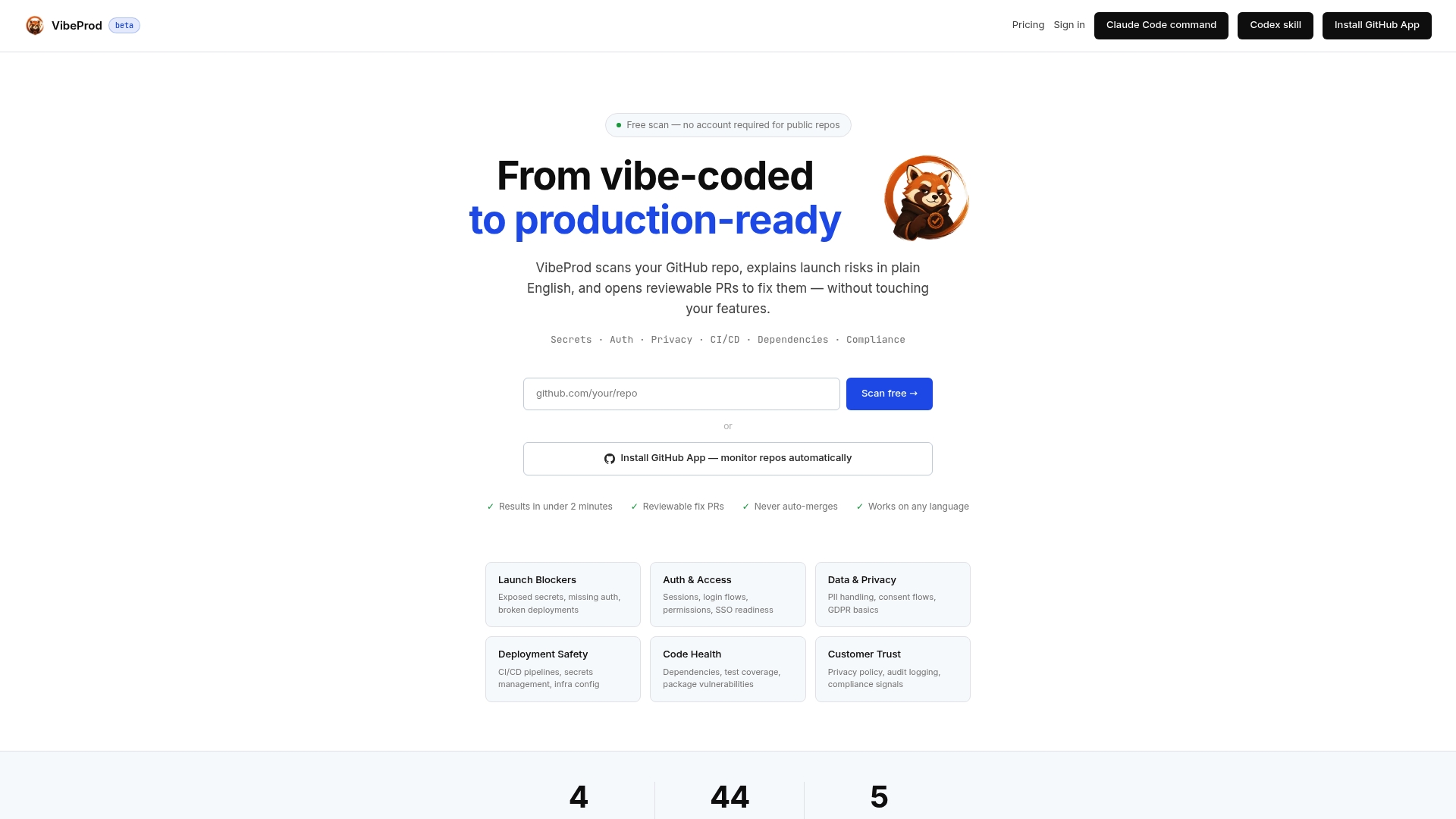
Vibeprod scans your GitHub repository and identifies launch risks including exposed secrets, compliance gaps, and insecure configurations, then generates reviewable pull requests with plain-English explanations for every issue it finds. No existing features get changed. You get a clear picture of what needs fixing and why, in under two minutes. For solopreneurs and small teams who need to stay focused on building, Vibeprod handles the security review layer that AI coding tools consistently skip. See how it works at Vibeprod.
FAQ
What is the role of GitHub repo scanning?
GitHub repo scanning automates the detection of security vulnerabilities, exposed secrets, and vulnerable dependencies directly within pull request workflows and CI/CD pipelines. Its core role is to catch risks before code merges into production.
How does secret scanning work in GitHub?
Secret scanning inspects the full Git history across all branches for accidentally committed credentials like API keys and passwords. It is free for public repositories and available through GitHub Advanced Security for private repos.
Why is GitHub scanning critical for AI-assisted development?
Traditional periodic scans cannot keep pace with the commit velocity that AI coding tools produce. Integrating scanning directly into the developer loop catches vulnerabilities as they are introduced, not after they have spread across the codebase.
What is a tiered scanning strategy?
A tiered scanning strategy combines lightweight tools for fast, basic checks in every workflow with specialized deep scanners for thorough analysis on significant code changes. This layered approach balances security coverage with pipeline performance.
What did GitHub add for MCP server security in 2026?
GitHub launched dependency and secret scanning for MCP servers in may 2026, extending automated security coverage into AI agent environments where coding tools interact with external services and tools.