Replit Production Readiness Explained for Dev Teams
TL;DR:
- Replit apps are only production-ready when they handle real traffic securely, reliably, and with proper environment separation.
- Moving from prototypes to production requires addressing security, cost, environment, and operational risks before exposing applications to users.
Production readiness in the Replit context is defined as the state where your app meets deployment, security, and monitoring standards required to serve real users reliably. Replit production readiness explained simply means your prototype has cleared the gap between “it works on my machine” and “it handles real traffic without breaking.” The platform excels at collapsing the time from idea to working code, but that speed creates a false sense of completeness. Teams that ship directly from a development Repl without addressing auth flows, secret management, and environment separation expose themselves to data breaches, downtime, and compliance failures. This guide covers every layer you need to address before real users hit your app.
What deployment options does Replit offer for production apps?
Replit offers two primary deployment modes, and choosing the wrong one is the most common cost mistake teams make. Development Repls sleep after inactivity, causing cold starts that are unacceptable for production traffic. Deployed Repls stay online with stable, permanent URLs and persistent hosting.

Autoscale vs. Reserved VM
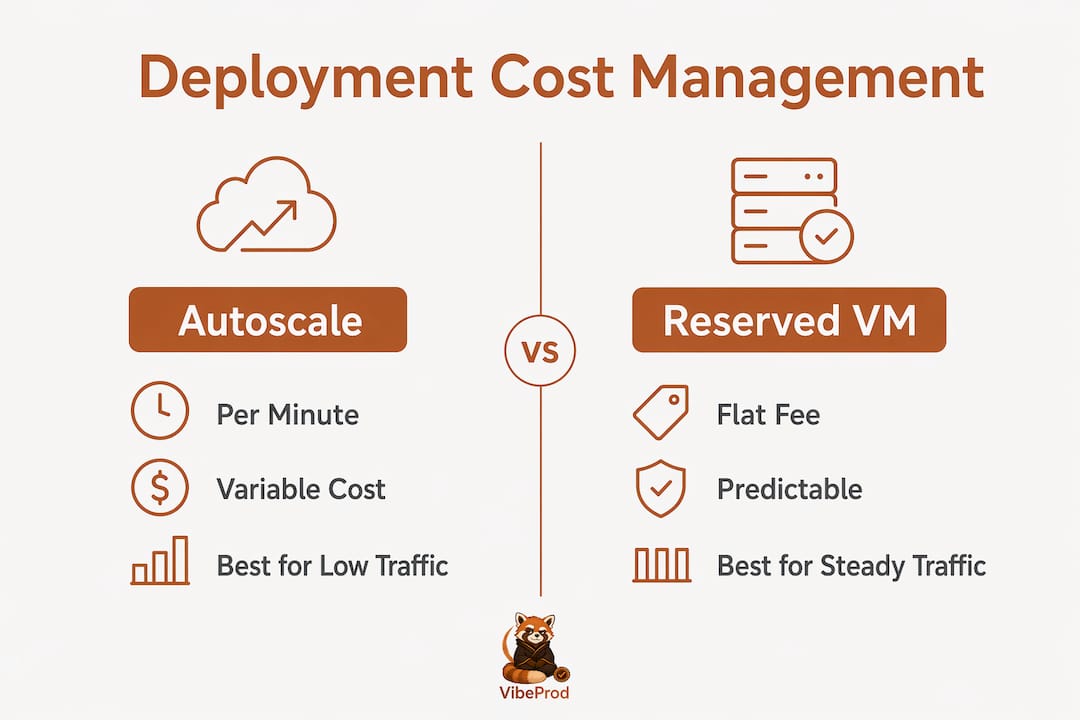
Autoscale deployments bill by compute minute. Traffic spikes translate directly into cost spikes. Small apps that cost $5–10/month under older pricing may now cost $30–60/month on Autoscale after 2025 pricing changes. That jump catches teams off guard when their app gets its first wave of real users.
Reserved VM deployments charge a flat monthly fee. That predictability matters when you are budgeting a production workload. Reserved VM is the right choice for apps with consistent traffic and background workers that need to stay alive between requests.
| Deployment type | Billing model | Best for |
|---|---|---|
| Autoscale | Per compute minute | Bursty, low-traffic apps |
| Reserved VM | Flat monthly fee | Consistent traffic, background jobs |
| External host via GitHub | Varies by provider | Regulated or large-scale apps |
Pro Tip: Use Replit for development and iteration, then push to an external host for production. Replit’s GitHub integration supports bi-directional sync, so you keep your development workflow without locking production into Replit’s pricing model.
Replit suits prototyping well, but large-scale or regulated apps need specialized platforms for production hosting. The GitHub integration makes that migration practical rather than painful. You write code in Replit, push to GitHub, and auto-deploy to a managed host that fits your compliance and cost requirements.
How should developers harden Replit apps for production security?
Security hardening is the step most teams skip when moving fast. A production-ready Replit app demands strict API security and secret management beyond the prototype stage to protect user data and maintain compliance. The following steps are non-negotiable before you expose your app to real users.
-
Authenticate and authorize every API endpoint. No endpoint should be publicly accessible without a verified identity check. Regulated industries require engineering-led architecture reviews and strict authorization checks on every route before production deployment.
-
Move secrets to environment variables. Hardcoded credentials in source code are a critical vulnerability. Rotate secrets regularly and audit your codebase for any API keys, database passwords, or tokens committed to version control.
-
Separate your environments. Use distinct databases and configurations for development, staging, and production. Test payment flows and authorization logic in staging before they touch production data.
-
Add input validation and rate limiting. Every form field and API parameter is a potential attack vector. Set size and type limits on file uploads and request bodies to prevent abuse.
-
Implement logging and error handling. Adding logging solutions like Sentry, combined with structured error handling, prevents production downtime and data loss when external APIs fail or users submit unexpected inputs.
Pro Tip: Run a manual auth audit before launch. Call every endpoint without a valid token and confirm it returns a 401. If anything returns a 200, you have an open door.
Security reviews are not a one-time event. Schedule secret rotations on a calendar, review dependency CVEs monthly, and treat your middleware configuration as a living document that changes as your app grows.
What are common pitfalls when moving Replit apps to production?
Replit makes certain assumptions about your environment that break the moment you move outside its ecosystem. Auditing apps for hidden Replit dependencies is the first task before any migration. The most common traps are:
- Local file storage. Replit apps often write uploaded files to the local filesystem. That data disappears on restart. Move file uploads to S3 or Cloudflare R2 before deployment.
- Shared databases across environments. Dev and production sharing one database is a data integrity risk. Separate them before real users create records.
- Hardcoded secrets in source code. These get committed to GitHub during rapid prototyping and become public vulnerabilities.
- Long-lived sockets and background workers. These behave differently outside Replit’s managed environment and need explicit configuration on external hosts.
- Missing connection pooling. Direct database connections without pooling collapse under concurrent user load.
Performing a “2 a.m. pager test” forces you to audit your app from the perspective of whoever gets woken up when it breaks. If you cannot answer “where do I look first?” and “how do I roll back?” in under two minutes, your app is not production ready. This mentality drives better logging, error handling, and rollback strategies than any checklist alone.
Staged deployment with CI and a rollback plan is the operational floor for any production app. Deploy to staging first, run your test suite, verify auth flows, and confirm your monitoring alerts fire correctly. Only then promote to production. Teams that skip staging discover their bugs in front of real users.
How to manage Replit deployment costs for production workloads
Cost management is a production readiness concern, not just a finance concern. Unpredictable bills cause teams to pull apps offline or cut corners on infrastructure, both of which hurt reliability.
The 2025 pricing changes made Autoscale deployments significantly more expensive for apps with moderate traffic. A workload that previously cost $5–10/month can now reach $30–60/month on Autoscale. That is not a rounding error. It changes the economics of hosting on Replit entirely for apps past the prototype stage.
| Scenario | Recommended deployment | Expected cost behavior |
|---|---|---|
| Low-traffic MVP | Autoscale | Variable, potentially low |
| Consistent production traffic | Reserved VM | Flat, predictable |
| Regulated or high-scale app | External host via GitHub | Depends on provider |
Reserved VM pricing removes the variable cost risk. For apps with steady traffic, the flat fee is almost always cheaper than Autoscale at scale. For apps that need to grow beyond Replit’s infrastructure, exporting your code to a managed host via GitHub is the most cost-effective path.
Pro Tip: Set a billing alert before you deploy. Replit’s dashboard lets you monitor compute usage. Catching a cost spike on day one is far easier than explaining a $200 bill at the end of the month.
The right strategy balances iteration speed with cost predictability. Use Replit’s development environment for fast cycles, then migrate production workloads to a host where you control the pricing model.
Key Takeaways
Production readiness on Replit requires deliberate choices across deployment mode, security hardening, environment separation, and cost management before any app serves real users.
| Point | Details |
|---|---|
| Choose the right deployment mode | Reserved VM offers flat-fee predictability; Autoscale costs spike with traffic after 2025 pricing changes. |
| Harden every API endpoint | Authenticate and authorize all routes, rotate secrets, and add input validation before launch. |
| Separate your environments | Use distinct databases for dev, staging, and production to prevent data integrity failures. |
| Audit for hidden dependencies | Replace local file storage with S3 or R2 and add connection pooling before migrating off Replit. |
| Plan for operational readiness | Implement logging with Sentry, define rollback steps, and run a staged deployment before going live. |
The gap between “it runs” and “it’s ready” is wider than most teams expect
At Vibeprod, we see the same pattern repeatedly. A team builds something genuinely useful in Replit, ships it fast, and then discovers the security and operational gaps only after a real incident. The prototype worked perfectly. The production app had an unauthenticated admin route, secrets committed to a public GitHub repo, and no logging to explain what went wrong.
The honest truth is that Replit’s speed is its greatest strength and its biggest risk. The platform collapses the time from idea to working code so effectively that teams mistake “working” for “ready.” Those are two different things. A working prototype handles the happy path. A production app handles the 2 a.m. failure, the malformed input, the expired token, and the database connection that times out under load.
The teams that get this right treat the migration from Replit to production as a planned engineering phase, not an afterthought. They budget time for security reviews, environment separation, and cost forecasting before the first real user signs up. That discipline is what separates apps that scale from apps that quietly break.
The most overlooked risk is not the big CVE or the obvious SQL injection. It is the small assumption baked into the prototype: the file that writes to local disk, the API key that never gets rotated, the staging environment that shares a database with production. Those assumptions are invisible until they cause a real problem.
— Vibeprod
How Vibeprod helps you ship from Replit to production safely
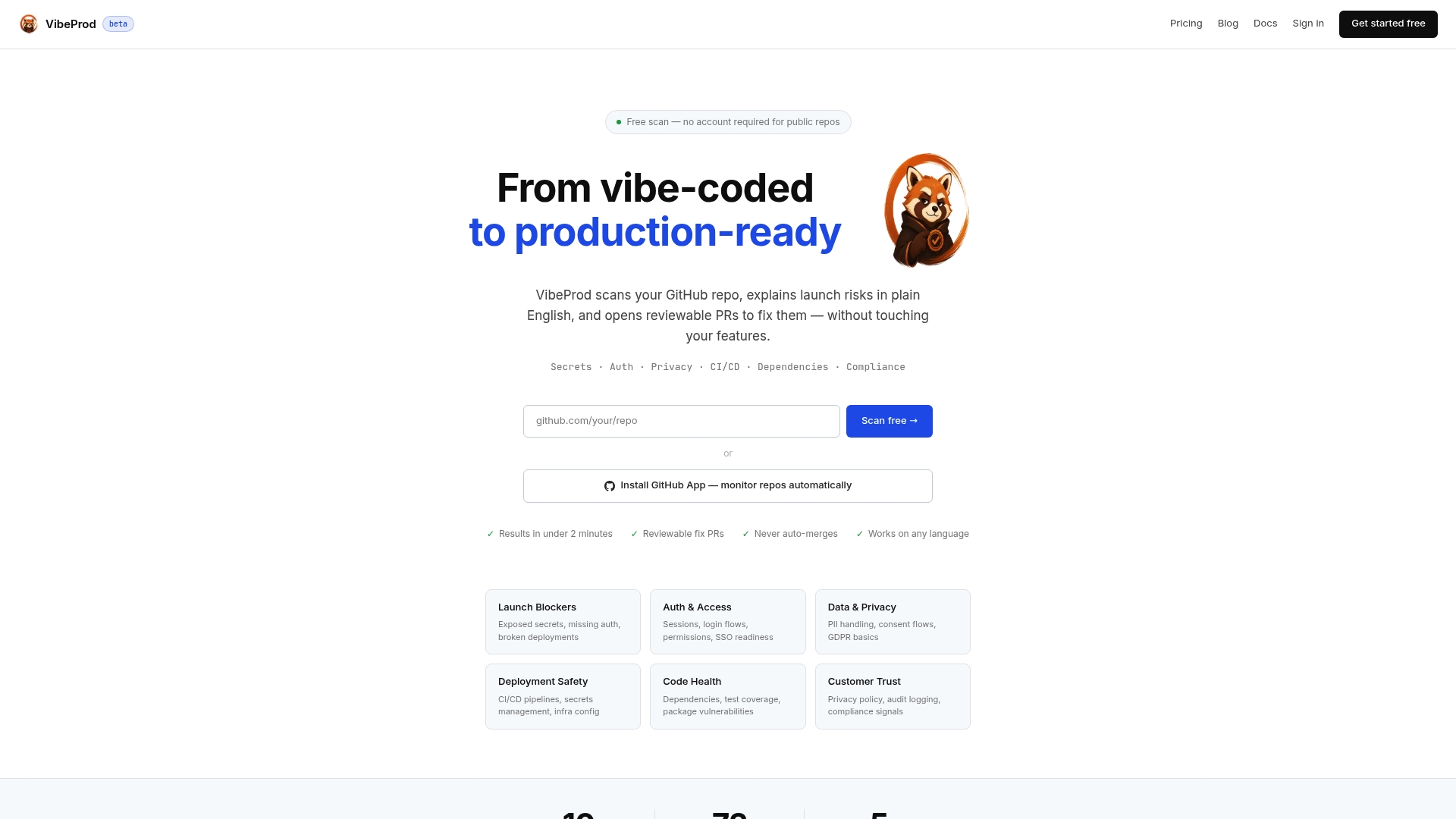
Vibeprod scans your GitHub repository and identifies the exact risks that stand between your Replit app and a production-ready application. Exposed secrets, missing authorization checks, compliance gaps, and environment configuration errors all surface in plain English within two minutes. Vibeprod generates reviewable pull requests for each fix without touching your existing features, so your core business logic stays intact. For developers and teams who want to move fast without the security debt, Vibeprod provides the audit layer that AI coding tools skip entirely. Your next step is a repository scan that tells you exactly what needs fixing before real users arrive.
FAQ
What does production readiness mean for a Replit app?
Production readiness means your Replit app handles real traffic, protects user data, and recovers from failures without manual intervention. It requires authentication on every endpoint, separated environments, and active logging before launch.
Is Replit suitable for production hosting?
Replit works for production hosting on smaller apps using Reserved VM deployments, but regulated or high-scale apps benefit from migrating to external hosts via Replit’s GitHub integration.
How do I avoid cost surprises on Replit deployments?
Use Reserved VM for consistent traffic workloads and set billing alerts in the Replit dashboard. Autoscale billing by compute minute can push costs from $5–10/month to $30–60/month after the 2025 pricing changes.
What security steps are required before deploying a Replit app?
Authenticate every API endpoint, move secrets to environment variables, separate dev and production databases, add input validation, and implement logging with a tool like Sentry before exposing your app to real users.
How do I migrate a Replit app to an external host?
Use Replit’s bi-directional GitHub integration to push your code to a repository, then configure auto-deploy on your target host. Before migrating, replace local file storage with S3 or Cloudflare R2 and separate your databases by environment.