No-Code App Security Audit Explained for Founders
TL;DR:
- A no-code app security audit identifies vulnerabilities, secrets, and compliance gaps before launch to prevent costly breaches. AI-generated code often fails security defenses like XSS, requiring manual review and layered testing. Implementing security early and documenting controls ensures compliance and reduces risks for no-code applications.
A no-code app security audit is a structured evaluation that identifies vulnerabilities, exposed secrets, and compliance gaps specific to no-code and AI-generated applications before they reach production. The no-code app security audit explained here covers the full process: from broken access control and injection flaws to NIST SP 800-53, ISO 27001, and SOC 2 compliance requirements. Founders and developers who skip this step ship prototypes dressed as products. The cost of that mistake ranges from data breaches to regulatory fines, both of which are far more expensive than the audit itself.
What vulnerabilities are unique to no-code apps?
Broken access control, injection flaws, and security misconfiguration are the most common and damaging vulnerabilities in AI-generated no-code applications. AI tools generate code optimized for functionality, not security. That gap creates authorization bypasses and injection risks that traditional code reviews often catch but no-code audits frequently miss.

The numbers are stark. AI-generated code fails to defend against cross-site scripting (XSS) at an 86% rate in tested samples. That means nearly nine out of ten AI-written code blocks leave a door open for attackers to inject malicious scripts into your app’s front end.
No-code platforms compound this problem with overly permissive defaults. Common issues include:
- Missing row-level security: Database tables accessible to any authenticated user, not just the intended record owner.
- Exposed API keys: Secrets hardcoded into client-side code or committed to public repositories.
- Unvalidated inputs: Form fields that accept raw SQL or script tags without sanitization.
- Broken auth flows: Authentication middleware that passes requests through without verifying session tokens.
- Write access to production databases: Dashboards connected directly to live data with no read-only separation.
A real-world example illustrates the risk clearly. Apps built with Cursor showed classic SQL injection vulnerabilities, unvalidated inputs, and missing server-side validation. The root cause was unsafe direct string interpolation in database queries, combined with tight coupling between the app logic and the production database. A single malformed input could expose or corrupt the entire dataset.
Pro Tip: *Run a quick grep search across your codebase for "SELECT " and string concatenation patterns near user inputs. If you find them, you have a SQL injection risk that needs fixing before launch.
How do you conduct a no-code app security audit step by step?
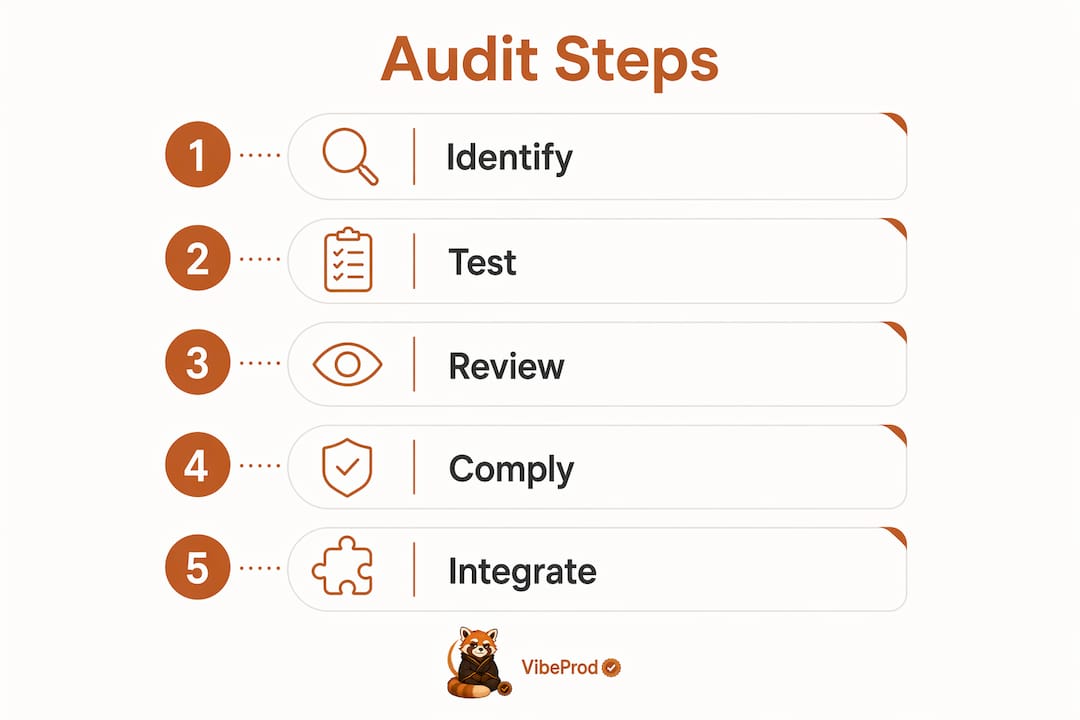
A top-down audit order that starts with authentication and access control, then moves to secrets scanning and input validation, catches the highest-risk flaws first. Starting at the auth layer makes sense because every other control depends on knowing who the user is and what they are allowed to do.
The full audit sequence runs as follows:
- Authentication and access control review. Check that every route requires a valid session token. Verify role-based permissions are enforced server-side, not just in the UI.
- Secrets and key scanning. Use TruffleHog or a similar tool to scan your repository for hardcoded API keys, database credentials, and private tokens.
- Input validation audit. Test every form field and API endpoint with malformed inputs. Confirm the server rejects, sanitizes, or escapes unexpected values.
- Dependency analysis. Run Snyk or a comparable software composition analysis tool against your package manifest. Flag any dependency with a known CVE.
- Logging and error handling review. Confirm that errors do not expose stack traces or database schema details to end users. Check that all access events write to an immutable log.
- Runtime and penetration testing. Use OWASP ZAP for dynamic analysis of live endpoints. For regulated data, budget for professional pen testing.
Layered testing combines static application security testing (SAST) for pattern issues, dynamic application security testing (DAST) for runtime exposure, and penetration testing for logic flaws. Each method finds different classes of bugs. Relying on only one leaves gaps.
The table below maps each testing method to its primary use case:
| Testing method | Primary use case | Example tool |
|---|---|---|
| SAST | Pattern and syntax flaws in source code | Semgrep |
| DAST | Runtime vulnerabilities in live endpoints | OWASP ZAP |
| Secrets scanning | Exposed credentials in repositories | TruffleHog |
| SCA | Vulnerable third-party dependencies | Snyk |
| Pen testing | Business logic and authorization flaws | Manual or contracted |
DIY audits catch roughly 80% of common AI-code security mistakes. That remaining 20% often contains the most dangerous logic flaws, which is why professional penetration testing remains the standard for apps handling regulated or sensitive data.
Pro Tip: Never accept an AI tool’s security verdict without evidence. If the tool says a route is protected, manually test it with an unauthenticated request. Trust the test result, not the claim.
What compliance frameworks apply to no-code applications?
No-code platforms must enforce security controls identical to those required of traditional code, including SSO/MFA, audit logging, and change control, to satisfy NIST SP 800-53, ISO 27001, and SOC 2. The framework does not care how the code was written. It cares whether the controls exist and can be evidenced.
The shared responsibility model defines who owns what. The no-code platform vendor is responsible for infrastructure security, physical data center controls, and platform-level encryption. You, as the maker, are responsible for access configuration, data handling, and application-level controls. Misunderstanding this boundary is the most common compliance failure in no-code audits.
Mandatory controls for audit readiness include:
- SSO and MFA enforcement for all makers and end users with access to sensitive data.
- Immutable audit logging that records every data access, change, and administrative action.
- Data loss prevention (DLP) policies that restrict bulk exports and unauthorized data sharing.
- Environment separation between development, staging, and production instances.
- Documented change management with approval workflows and rollback procedures.
Log retention policies commonly range from 1 to 7 years for regulatory audit compliance. The exact requirement depends on your industry. Healthcare apps under HIPAA need a minimum of six years. Financial services under SOC 2 typically require at least one year of log history, with many auditors expecting three.
Evidence collection is what separates a compliant app from one that merely claims compliance. Screenshots of access control configurations, exported log samples, and change approval tickets all serve as audit artifacts. Build the habit of capturing these during development, not the week before an audit.
How do you integrate security audits into your development workflow?
Security embedded at design and build stages prevents the costly late fixes that come from treating security as a final compliance step. The principle is called shifting left, and it applies directly to no-code development. Threat modeling at the wireframe stage costs an hour. Rebuilding a broken auth system after launch costs weeks.
Practical steps for embedding security into your workflow:
- Apply least privilege from day one. Every user role should start with zero permissions and gain only what the feature requires.
- Run automated scanning in your CI/CD pipeline. Tools like Semgrep and Snyk integrate with GitHub Actions and flag new vulnerabilities on every pull request.
- Schedule access reviews quarterly. Remove stale accounts and review permission assignments before they accumulate into a risk.
- Separate your environments. Never connect a development or staging build to production data.
- Plan for post-launch monitoring. Set up alerts for unusual access patterns, failed login spikes, and unexpected data exports.
The cost trade-off between DIY audits and professional pen testing is real. Professional penetration testing costs $5,000 to $25,000 and takes approximately one to two weeks. For apps handling payment data, health records, or personal identifiable information, that cost is not optional. For an internal tool with low-sensitivity data, a structured DIY audit using a runbook covers most of the risk.
A structured runbook with traffic-light scoring helps non-technical founders systematically find and prioritize security fixes. Red means fix before launch. Yellow means fix within 30 days. Green means documented and acceptable. That framework turns an audit from an abstract exercise into a concrete task list.
Pro Tip: Treat AI-generated code the way you would treat code from a junior developer on their first day. Review it, test it, and never assume it is secure because it compiles and runs.
Key Takeaways
A no-code app security audit is the structured process that separates a prototype from a production-ready application, covering access control, secrets management, input validation, compliance controls, and continuous monitoring.
| Point | Details |
|---|---|
| Start with auth and access control | Authentication flaws are the highest-risk category and affect every other security layer. |
| AI-generated code needs manual review | An 86% XSS failure rate in AI code samples means automated output requires human validation. |
| Compliance frameworks apply equally | NIST, ISO 27001, and SOC 2 require the same controls regardless of how the app was built. |
| Layer your testing methods | SAST, DAST, and pen testing each catch different vulnerability classes; use all three. |
| Shift security left | Embedding threat modeling at the design stage costs far less than fixing breaches post-launch. |
The “secure by default” myth costs founders real money
The most persistent misconception I see among founders is that choosing a no-code platform means security is handled for them. It is not. The platform secures the infrastructure. You secure the application. That distinction matters enormously when a misconfigured access rule gives any authenticated user write access to your production database.
What I have observed repeatedly is that the founders who get burned are not the ones who ignored security entirely. They are the ones who assumed their AI tool or no-code platform had already handled it. That false confidence is more dangerous than ignorance, because it stops you from asking the questions that would catch the problem.
The no-code ecosystem is maturing fast, and regulatory scrutiny is growing with it. Auditors reviewing SOC 2 reports in 2026 are asking specifically about AI-generated code review processes. “We used a reputable platform” is not an acceptable answer. Evidence of controls is.
The founders who build durable products treat security as a build constraint, not an afterthought. They run audits before launch, schedule them quarterly after launch, and document everything. That discipline is what separates a prototype from a product worth trusting with real user data.
— Vibeprod
What Vibeprod does for your no-code app security
Shipping fast is not the problem. Shipping without knowing what you shipped is.
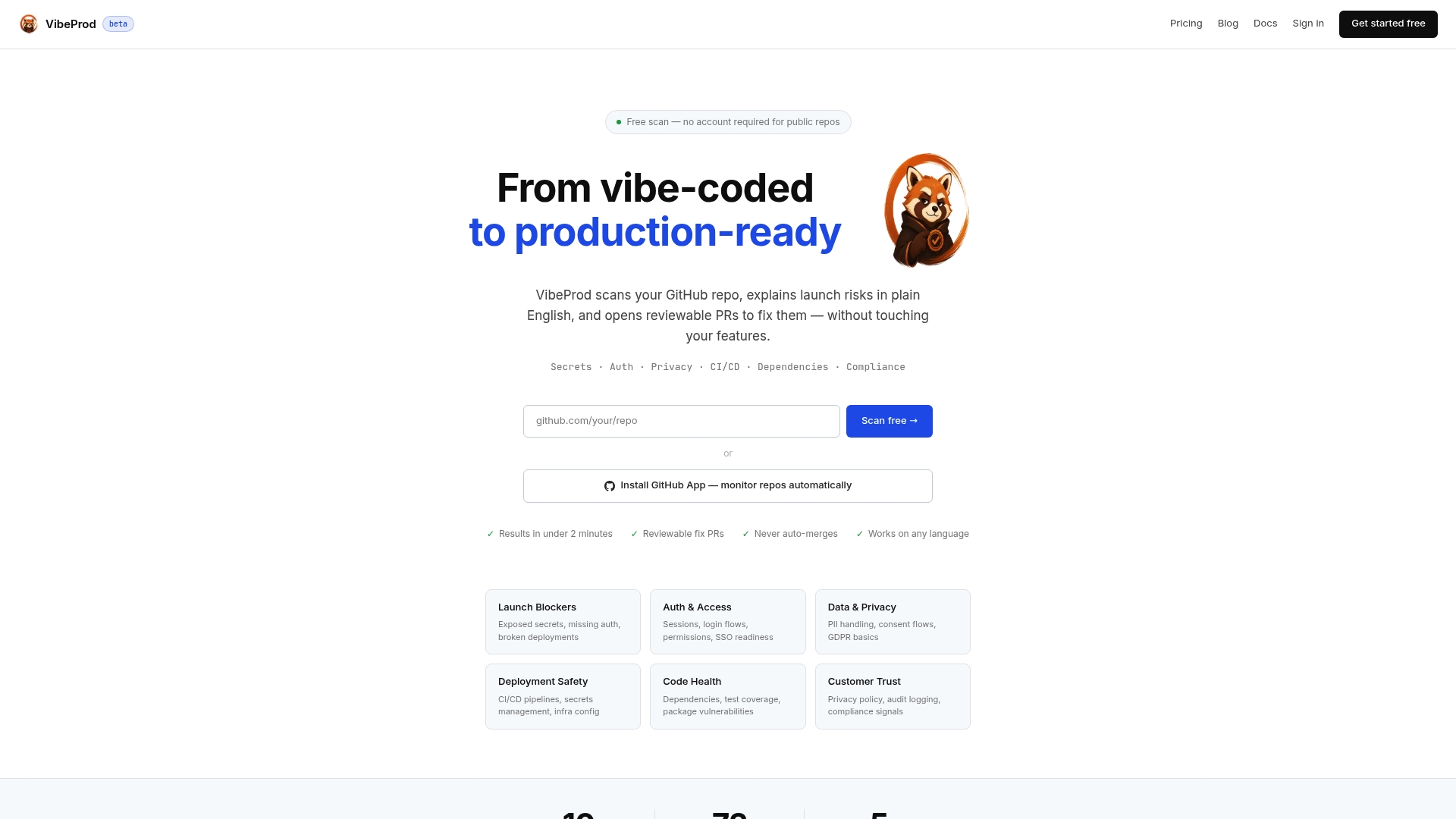
Vibeprod scans your GitHub repository and identifies launch risks including exposed secrets, missing access controls, and compliance gaps, then generates reviewable pull requests with plain-English explanations for every issue found. The process delivers results in under two minutes, so you get a clear picture of your app’s security posture before your first real user ever logs in. For founders and small development teams building on no-code and AI-assisted platforms, Vibeprod closes the gap between “it works” and “it’s ready.” Move from vibe-coded to production-ready without the guesswork of manual triage.
FAQ
What is a no-code app security audit?
A no-code app security audit is a structured review of a no-code or AI-generated application that identifies vulnerabilities, exposed credentials, and compliance gaps before the app goes live. It covers access control, input validation, secrets management, and logging.
Why does AI-generated code fail security audits?
AI tools prioritize functionality over security, resulting in an 86% failure rate for XSS defenses in tested samples. The code runs correctly but leaves critical protections unimplemented.
Which compliance frameworks apply to no-code apps?
NIST SP 800-53, ISO 27001, and SOC 2 all apply to no-code applications. These frameworks require SSO/MFA, immutable audit logging, and documented change management regardless of how the application was built.
How much does a professional security audit cost?
Professional penetration testing costs between $5,000 and $25,000 and typically takes one to two weeks. DIY audits using structured runbooks and automated tools like Semgrep and Snyk cover roughly 80% of common vulnerabilities at a fraction of that cost.
When should you run a no-code security audit?
Run a full audit before every production launch and schedule follow-up audits quarterly. Any significant feature addition or access control change also warrants a targeted review of the affected components.