Developers: 6 Step HSTS Rollout and Repo Checks to Avoid Lockouts
Enable Strict Transport Security once your site fully serves HTTPS, no exceptions. Start with a short max-age like 300 seconds, confirm every subdomain loads cleanly over HTTPS, then raise the value over several weeks. Hold off on the preload directive until you’ve verified certificates, redirects, and subdomain coverage are all solid, because preload is close to a one-way door once major browsers pick it up.
TL;DR:
- Deploy HSTS only after confirming all assets and subdomains load securely over HTTPS and avoid enabling preload until certificates and redirects are fully verified.
- Gradually increase the max-age value from a few minutes to at least one year, and add includeSubDomains only after all subdomains are HTTPS-only, to prevent inadvertent lockouts.
- Serve the HSTS header over HTTPS responses only, ensuring it is not sent over insecure HTTP or before proper HTTPS implementation to avoid ineffective or risky configurations.
- Use
max-age=0to reset HSTS policies during rollout mistakes, but be aware that preloaded domains cannot be reset until removal from the preload list fully propagates.- Beware that HSTS enforces only transport security; it does not address application-level vulnerabilities, potentially leaving certain security gaps unprotected.
Table of Contents
- What Is HSTS and How Does HTTPS Enforcement Actually Work?
- Strict-Transport-Security Header Syntax and Directives Explained
- How to Roll Out HSTS Safely (Deployment Checklist)
- Configuring HSTS on IIS, nginx, Apache, and Cloudflare
- Should You Submit Your Domain to the HSTS Preload List?
- Testing and Fixing Common HSTS Errors
- Risks and Privacy Trade-offs Worth Knowing Before You Commit
- What HSTS Won’t Catch, and Why VibeProd Checks It Anyway
- When Preload Makes Sense and When to Wait
- Standards and Tools Worth Bookmarking
- Sources
- FAQ
What Is HSTS and How Does HTTPS Enforcement Actually Work?
HSTS is a browser-enforced rule that tells a visitor’s browser to talk to your domain only over HTTPS, never plain HTTP, for a set period. The mechanism is a single response header, Strict-Transport-Security, and once a browser sees it, that domain becomes what the spec calls a Known HSTS Host. The browser stores the policy locally and applies it automatically on every future visit, no server round trip required.
Three things happen once that header lands:
- The browser rewrites any
http://request tohttps://before it even leaves the device. - It refuses to let you click through certificate warnings for that domain while the policy is active.
- With
includeSubDomains, every subdomain inherits the same rule, whether you intended that or not.
The catch is the first visit. A browser can’t enforce a rule it hasn’t seen yet, so the very first HTTP request to a domain is unprotected. An attacker on the same network could intercept that one request before the redirect happens. The preload list, covered further down, exists specifically to close that gap.
Strict-Transport-Security Header Syntax and Directives Explained
A safe testing header looks like this:
Strict-Transport-Security: max-age=300
A mature, production-ready header, once you’re confident, looks like this:
Strict-Transport-Security: max-age=63072000; includeSubDomains; preload
Each directive does specific work:
- max-age sets the policy’s lifetime in seconds. Every fresh response with the header resets that countdown, so a site serving the header consistently keeps the policy alive indefinitely.
- includeSubDomains extends enforcement to every subdomain under the current one, which is powerful and dangerous in equal measure if any subdomain still runs plain HTTP.
- preload signals intent to join the hardcoded browser list, but the flag alone does nothing until you actually submit the domain.
One detail trips up a lot of teams: sending the header over an insecure HTTP connection does nothing. Browsers ignore Strict-Transport-Security headers that arrive over HTTP, so the header only counts once the connection is already HTTPS.
Pro Tip: To roll back HSTS on a domain you control, send max-age=0 in an HTTPS response. That clears the stored policy in browsers that have already visited, but it does nothing for a domain sitting on the preload list.
How to Roll Out HSTS Safely (Deployment Checklist)
A staged rollout keeps a bad TLS configuration from locking out real visitors. Follow this order:
- Confirm every page, asset, and API endpoint on the domain loads over valid HTTPS, with no mixed-content warnings and no lingering HTTP-only redirects.
- Deploy
Strict-Transport-Security: max-age=300first. That’s five minutes, short enough that a mistake resolves itself fast. - Monitor error logs, uptime checks, and any subdomains for HTTPS failures over several days.
- Raise
max-ageincrementally, commonly to a week, then a month, watching for regressions at each step. - Add
includeSubDomainsonly after every subdomain, including staging and internal tools, serves valid HTTPS. - Push
max-ageto at least one year (31536000 seconds) and addpreloadonly once you’re ready for the permanence that submission requires.
If something breaks mid-rollout, max-age=0 resets you instantly, as long as the domain hasn’t been preloaded. Once it has, that rollback window effectively disappears, since removal from the preload list runs through a separate process that can take weeks to propagate.
Configuring HSTS on IIS, nginx, Apache, and Cloudflare
Each platform sets the header a little differently, and the ordering relative to your HTTP-to-HTTPS redirect matters just as much as the syntax.
- IIS / Exchange: add the header through IIS Manager’s HTTP Response Headers panel, or script it with PowerShell using
New-WebConfigurationPropertyagainst thecustomHeaderssection. Exchange servers sometimes ship separate virtual directories, so confirm the header applies to OWA and ECP paths, not just the default site. - nginx: add
add_header Strict-Transport-Security "max-age=300" always;inside your HTTPSserverblock only, never inside the HTTP block that handles the redirect. Sending it before the redirect completes wastes the header entirely. - Apache:
mod_headershandles this withHeader always set Strict-Transport-Security "max-age=300"inside your SSL virtual host. Keep it below anyRedirectdirectives that force HTTPS, so the header ships on the secure response, not the redirect response. - Cloudflare and other CDNs: HSTS is typically a toggle in the SSL/TLS dashboard or API, and the edge injects the header for you. Cloudflare’s own guidance warns against pausing the proxy while HSTS is active, since that can silently drop back to HTTP while browsers still expect HTTPS, producing failed connections instead of a clean fallback. DNS-only records bypass the edge entirely, so confirm your origin sends the header directly if you’re not proxying.
A technology adoption checklist built for cross-team rollouts helps here too, since HSTS changes usually touch ops, infrastructure, and whoever owns DNS.
Should You Submit Your Domain to the HSTS Preload List?
Preloading hardcodes your domain into the browser itself, so there’s no first HTTP request to intercept, ever. That closes the bootstrap gap completely, but it trades a security win for an operational commitment you can’t easily undo.
Submission at hstspreload.org requires:
max-ageof at least one year (31536000 seconds).includeSubDomainspresent and enforced correctly across every subdomain.- A valid certificate, with the header served on the bare root domain, not just
www.
Removal exists, but it’s slow. Google Chrome and other browsers pull the list from a shared source, and propagation after a removal request can take weeks or longer to reach users. Treat preload as effectively permanent until that removal finishes. Any subdomain you haven’t finished migrating to HTTPS at submission time becomes unreachable the moment the list updates.
Testing and Fixing Common HSTS Errors
Before trusting any header change, verify it landed. Run curl -I https://yourdomain.com and confirm the Strict-Transport-Security line appears exactly as configured. Browser DevTools’ Network tab shows the same header on the response, and hstspreload.org will flag whether your domain currently qualifies for submission or removal.
When a browser refuses to load your site over HTTP as expected, or throws a certificate error you can’t click through, HSTS is doing its job, sometimes on stale data.
- Check that your certificate is valid and not expired, since HSTS blocks the override that would normally let a visitor bypass a bad cert.
- Clear cached HSTS state directly. In Chrome, visit
chrome://net-internals/#hstsand delete the domain. In Firefox, clear site data throughabout:preferences#privacyor the relevantabout:configflags. - To disable HSTS on a domain you control, serve
max-age=0over HTTPS. Preloaded domains ignore this, since the hardcoded browser list overrides whatever your server sends until removal completes.
Risks and Privacy Trade-offs Worth Knowing Before You Commit
HSTS applies to a domain name across every port, not to a specific IP address, so any non-HTTPS service sharing that domain, like an internal admin tool on a custom port, breaks once includeSubDomains is live. HSTS also only enforces transport security. It says nothing about secure cookie flags, input validation, or leaked credentials, so OWASP is explicit that HSTS supplements rather than replaces application-level security work. One more wrinkle: because the policy persists client-side, it can function as a lightweight fingerprinting signal, worth a line item in any privacy review.
What HSTS Won’t Catch, and Why VibeProd Checks It Anyway
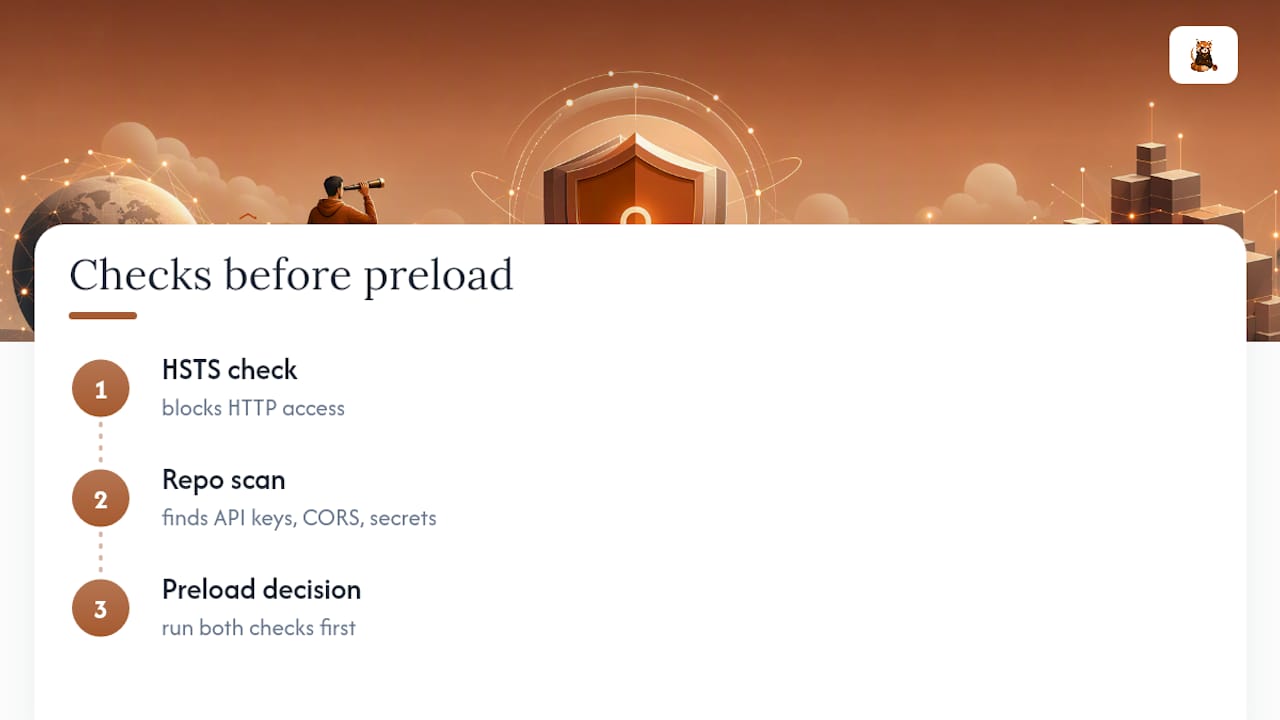
HSTS locks down transport. It won’t flag a hardcoded API key sitting in your repo, a misconfigured CORS rule, or a CI pipeline shipping secrets into a public build. Third-party tools can scan your GitHub repository for such gaps and open reviewable pull requests to address them before you commit to a permanent move like preload. Running that scan alongside your HSTS rollout catches the risks a transport header structurally can’t see.
When Preload Makes Sense and When to Wait
Preload trades operational flexibility for a closed first-visit gap. Delay it if your DNS or subdomains are still shifting. Commit once your infrastructure is mature and every public-facing service already runs on solid HTTPS.
— Vibeprod
Standards and Tools Worth Bookmarking
For the spec itself, read RFC 6797. For header behavior and browser caching, MDN’s Strict-Transport-Security reference is the clearest explainer. For submission and removal mechanics, use hstspreload.org directly, and pair it with the OWASP HSTS cheat sheet for defense-in-depth context.
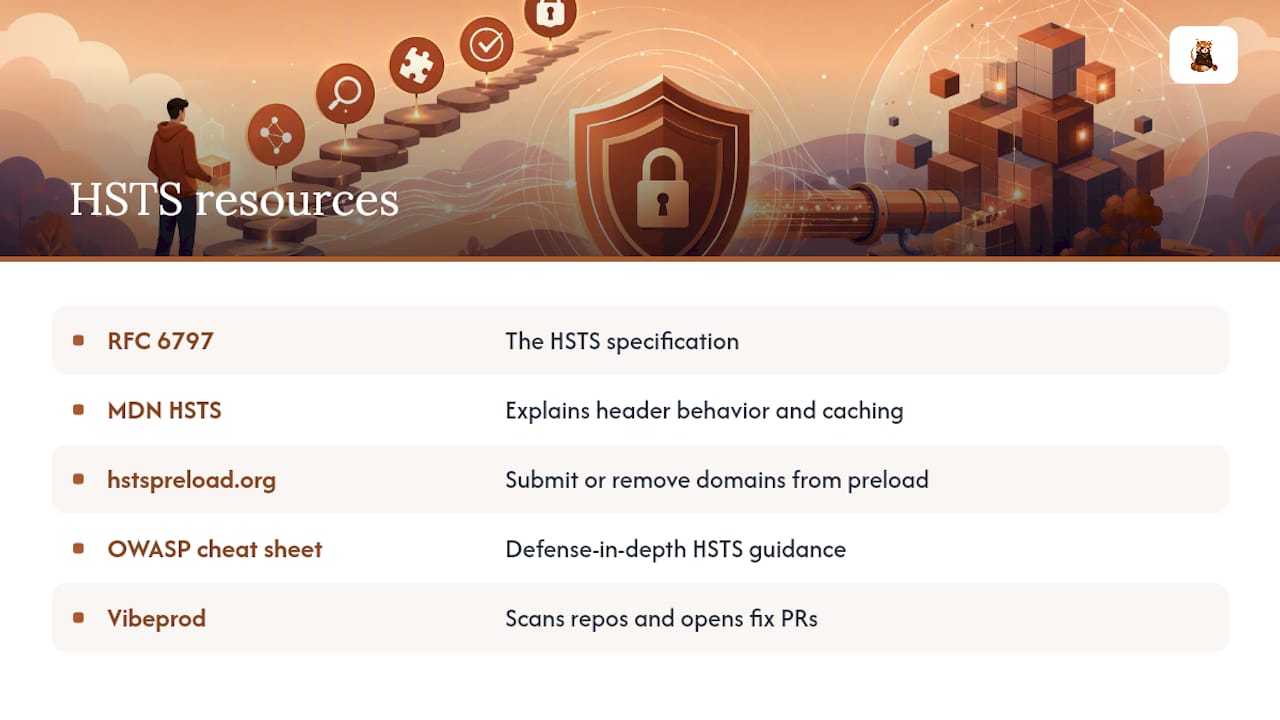
Before you flip any of this on in production, it’s worth running a check on what else might be exposed. Vibeprod scans your repository for exposed secrets, misconfigurations, and compliance gaps, and opens a fix pull request in plain English, so your HSTS rollout isn’t the only thing standing between your app and a bad launch day.
Sources
FAQ
How Do I Resolve an HSTS Error in My Browser?
Check that your certificate is valid first, since most HSTS errors trace back to an expired or mismatched cert. If the issue persists, clear the browser’s stored HSTS entry for that domain (chrome://net-internals/#hsts in Chrome) and reload.
What Is HSTS on an HTTPS Server?
HSTS is a response header, Strict-Transport-Security, that instructs browsers to only connect to that server over HTTPS for a set duration, blocking downgrade attempts and certificate override clicks.
How Do I Enforce HSTS Correctly?
Serve the Strict-Transport-Security header on every HTTPS response, starting with a short max-age for testing, then increase it over time and add includeSubDomains once every subdomain is confirmed HTTPS-only.
How Do I Disable HSTS on My Website?
Send Strict-Transport-Security: max-age=0 over HTTPS to clear the policy for browsers that already stored it. This does not work for domains on the preload list, which requires a separate removal process that can take weeks to take effect.